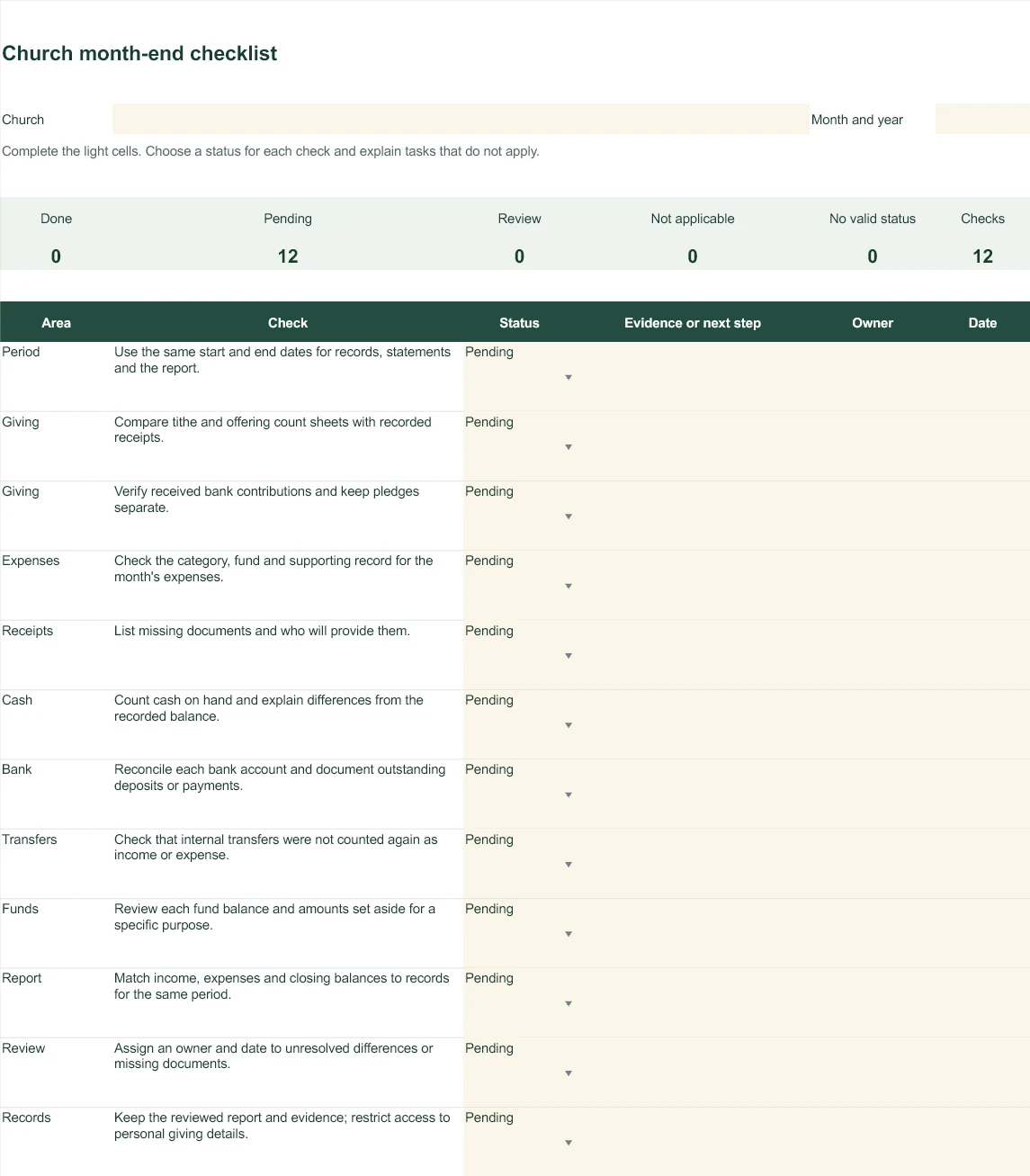
Keep one copy for each month.
- Enter the church and reporting month. Use the same date range as your transaction records and financial report.
- Review each task and select its status. Add the supporting document reference or describe the difference you found.
- Assign an owner and date to unresolved work. Use the six extra rows for your own tasks; rows outside that space are not included in the summary.
- Review the counts and open items before presenting the accounts. Explain any not-applicable task and keep the reviewed copy.
Turn an unresolved item into a clear next step.
| Check | Status | Follow-up |
|---|---|---|
| Offering count | Done | Count sheet retained and compared with the ledger. |
| Materials purchase | Pending | The purchaser will provide the receipt. |
| Cash on hand | Review | Recount and explain the difference before closing. |
A missing receipt does not make an expense disappear. Record the unresolved item and keep it open until it is explained.
Keep these three distinctions clear.
- Depositing cash already recorded changes its location. It is not a second contribution.
- The closing balance may include restricted or designated funds. Review those balances before treating the money as available for other expenses.
- A pledge is not money received. Keep commitments separate from confirmed cash and bank receipts.
Questions about the checklist
What does ‘No valid status’ count?
Tasks with a description but without one of the four listed statuses. This includes blank status cells or pasted text that does not match the options. These tasks are not counted as done.
Can I add tasks?
Yes. Use the six additional rows, enter the review description and choose a status. The summary includes those rows. If you insert rows outside that area, extend the formulas too.
Does the checklist approve the accounts?
No. It organizes an internal review. It does not calculate account balances or replace reconciliation, your church's approval process or local accounting requirements.
Do I need ContaIglesia to use it?
No. Download the Excel file without creating an account. Use it independently or alongside your accounting system.