
See the form before you use it.
Open A4 PDF ↗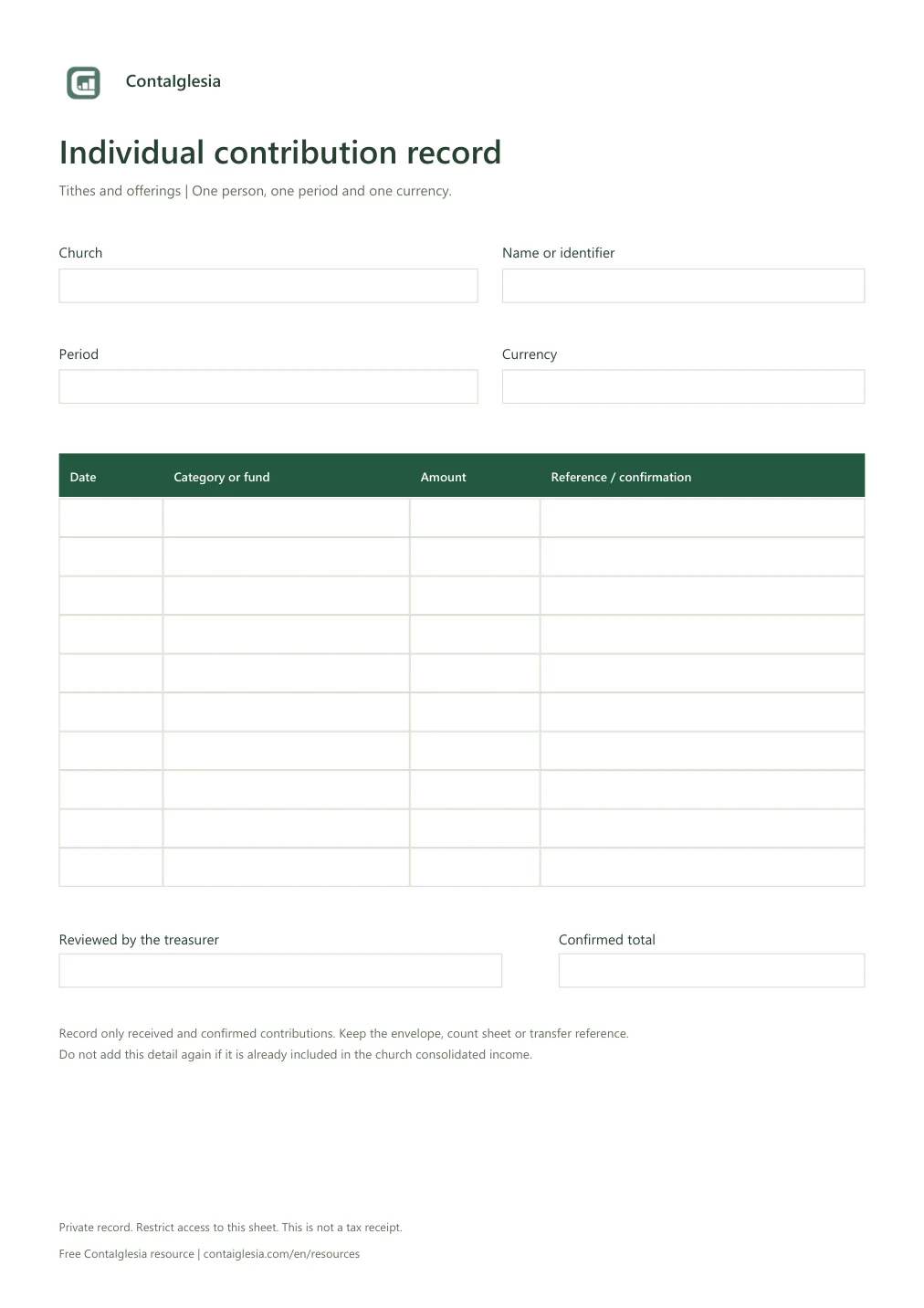
How to complete the record
- Identify the person using the name or code your church uses. Enter the period and currency.
- Record each received contribution, its purpose or fund and a reference to the envelope, count sheet or transfer.
- Check amounts against the supporting records before entering the confirmed total. Continue on another sheet when necessary.
Individual detail is not additional income.
This record explains who contributed and which fund the money supports. The accounting record shows the money received by the church. If that income already includes these contributions, do not add them again when recording the individual detail.
| Collection detail | Amount |
|---|---|
| Identified contribution A | 100.00 |
| Identified contribution B | 50.00 |
| Anonymous offerings | 80.00 |
| Total collection income | 230.00 |
Income is 230.00 in one currency. The identified 150.00 is already included in that total and is not added again.
What about anonymous offerings?
Keep them anonymous in the count and church records. There is no need to invent a person or split the amount among members. This form is for contributions associated with an identified person.
A private record, not a public list.
Give each person only their own summary and restrict staff access to those who need it. Avoid sharing the full file in group chats or publishing names and amounts. Keep a protected copy and follow your church’s retention procedure.
This is an internal record. It does not process payments or calculate the total automatically. It is not a tax receipt or a tax-compliant contribution statement.
When members prefer to use their phones.
In ContaIglesia, a church can enable personal member access. Each person submits contribution details and the treasurer confirms what was received. Members can view their own confirmed history. Submitting the form does not charge or transfer money.
Web trial, no card required. Member access is set up by the church.